
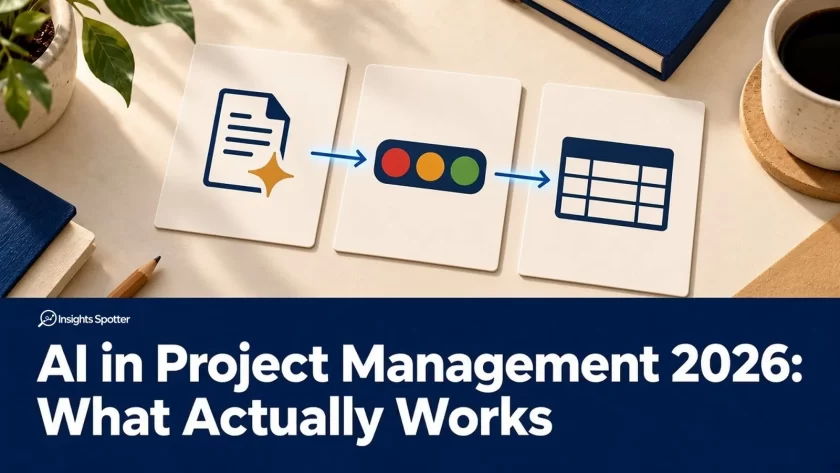
AI earns its place in project management when it helps you prepare something useful with less total effort, including checking it. A quick draft that takes longer to repair than to write has not improved the reporting cycle.
The useful jobs are often ordinary: shorten an update, organise an issue, expose a missing confirmation or prepare a decision paper. The danger is equally ordinary: a forecast becomes a commitment, a suggestion becomes an approval, and nobody notices because the wording sounds reasonable.
Here are six practical uses, with prompts you can adapt. All project examples below are illustrative, not client case studies. Use only information your organisation permits the chosen tool to process.
At a glance: what AI does well and badly
| Task | Where AI helps | Where it fails | The human check |
|---|---|---|---|
| Status reports | Turns approved milestones, RAID entries and actions into a readable first draft and a shorter sponsor version | Smooths away uncertainty, drops awkward issues, treats forecasts as commitments | Trace every statement to a source and scan the sources for anything material left out |
| RAG status | Compares evidence with your agreed thresholds and explains the suggested colour | Invents thresholds, averages colours, treats missing evidence as green | The PM makes the final call against agreed criteria and keeps the reason visible |
| RAID logs | Structures rough notes, flags possible duplicates, missing owners and review dates | Merges distinct items, assigns owners without agreement, confuses risks and issues | The log owner confirms type, owner and response before anything enters the log |
| Risk identification | Challenges assumptions and suggests questions for a risk workshop | Lists generic risks, invents probabilities, scores and mitigations | Experts assess each candidate before it enters the risk register |
| Meeting minutes | Sorts notes into decisions, actions and open questions | Drops conditional wording, misattributes speakers, turns proposals into decisions | A reviewer checks the draft against the notes and the agreed approval process |
| SteerCo packs | Structures the pack around exceptions, options and decisions required | Adds unsupported options, drops consequences, makes a recommendation sound approved | Check the pack against the evidence and the committee’s remit before it goes out |
Start with the project records
AI needs a clear outcome, current evidence and boundaries. If those are missing, use the questions in Bring Order to a Messy Project before generating another report.
Separate three capabilities when choosing a tool. Automation follows a defined rule, such as sending a reminder. Generative AI drafts or summarises. Forecasting estimates an outcome using a method and data that need validation. Fluent text does not establish forecasting accuracy.
Keep the fundamentals visible: why we do projects explains the outcome, project constraints frame the trade-offs, and stakeholder management helps identify who needs which information. AI supports that work; it cannot supply missing agreement.
1. Status reports: turn records into a readable update
Where it helps and fails
AI can assemble a first narrative from approved milestones, financial records, RAID entries and actions. It can also produce a shorter sponsor version without changing the underlying facts.
It fails when it smooths away uncertainty or omits an awkward issue to meet a word limit. An old milestone marked “on track” can outweigh a newer warning unless you supply dates and explain which records are authoritative.
For example, in a supplier onboarding project, milestone M-04 forecasts testing on 18 November, but issue I-12 says access is still unconfirmed. A useful draft states both facts and asks for confirmation. It must not report that testing will start on 18 November.
Copy-paste prompt
Draft a weekly status report from the approved records below.
Audience: [audience]. Reporting period and cut-off: [dates].
Use: position, changes, impact, decisions needed, next actions,
and missing confirmations. Attach a supplied source ID to every
factual statement. Preserve forecasts and uncertainty. Flag
contradictions; do not silently choose a version. Do not invent
RAG, owners, dates, progress or financial figures.
Records with IDs and update dates: [paste permitted records]
Check what was left out as carefully as what was included. A concise report still needs the issue that changes the decision. For the underlying workflow, see How to Reduce Project Reporting Time.
2. RAG status: apply agreed criteria to evidence
Where it helps and fails
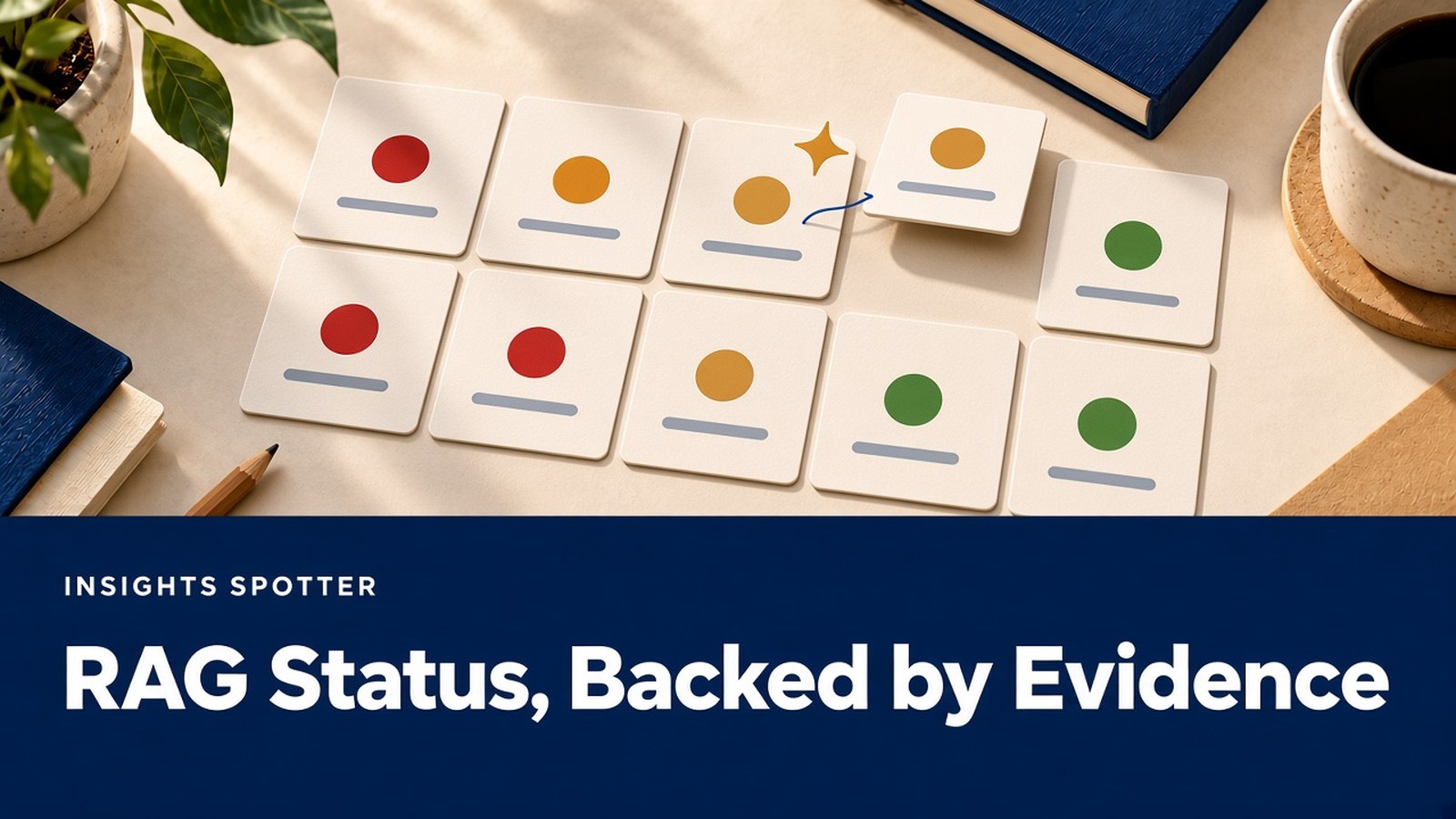
RAG means red, amber and green. AI can compare evidence with your project’s agreed thresholds and explain where a suggested colour comes from. This makes it useful for challenging inconsistent assessments across workstreams.
It fails when it invents thresholds or averages colours into a reassuring overall status. A green budget does not automatically cancel a red delivery constraint. Missing evidence is not evidence of green.
For example, suppose the agreed schedule rule is amber when a milestone forecast exceeds baseline but remains within tolerance. M-04 has that position. AI may suggest amber against that rule, while marking an unreviewed budget status as unknown. The PM reviews the assessment and owns the final call, using the project’s governance arrangements.
Copy-paste prompt
Compare these current records with the supplied RAG criteria.
For each dimension, show: criterion, evidence ID, suggested
colour, rationale and missing information. Use only these
criteria; if none fits, write "PM assessment required". Do not
invent a colour for missing evidence or combine dimensions
unless an aggregation rule is supplied. All suggestions need
PM review before publication.
Criteria and aggregation rule: [paste]
Dated evidence: [paste permitted records]
A colour is a conclusion with a reason. Keep that reason visible, particularly when your judgement differs from the suggestion.
3. RAID logs: make entries usable without changing their meaning
Where it helps and fails
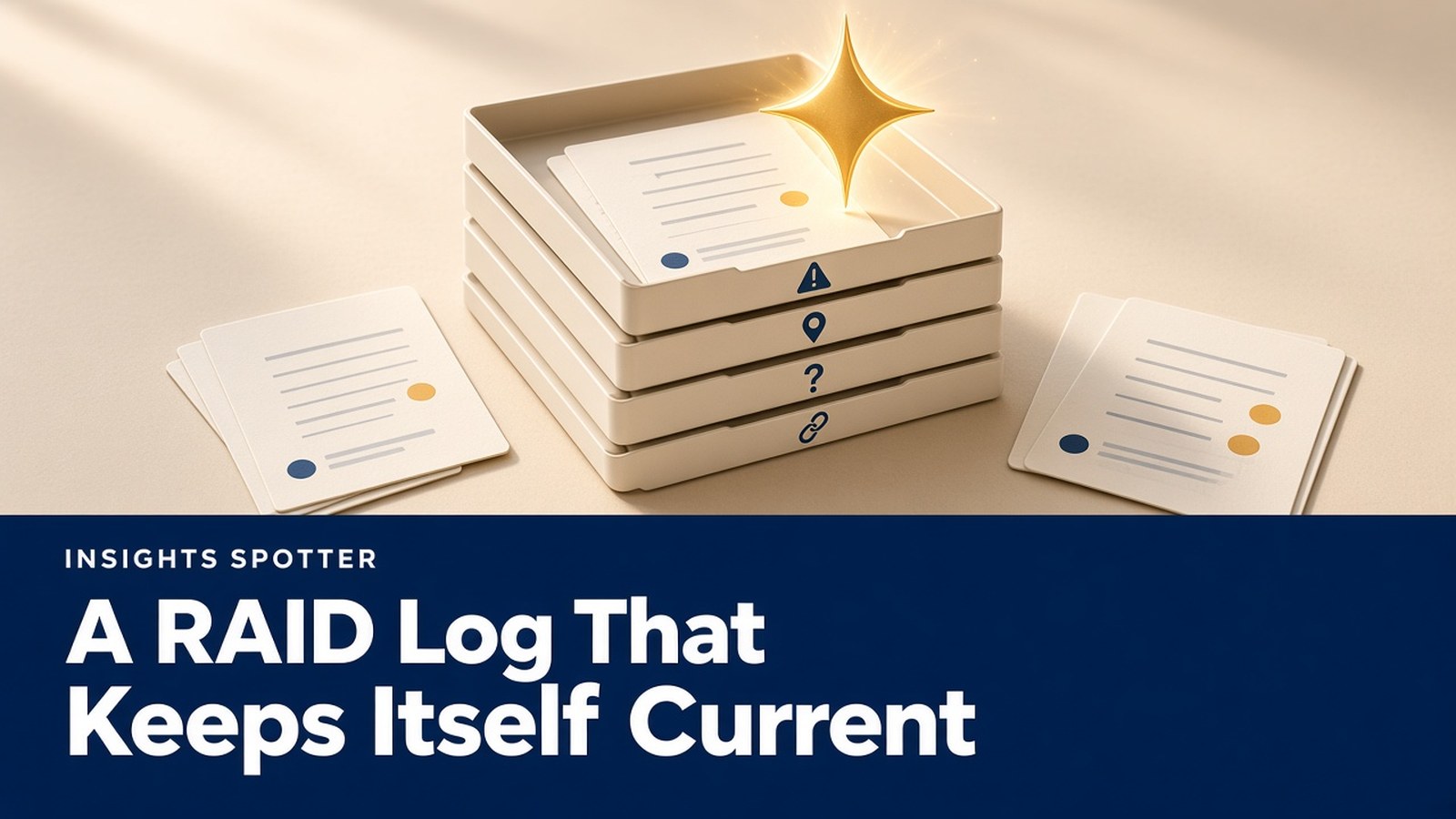
Here, RAID means risks, assumptions, issues and dependencies. Some organisations use actions or decisions instead, so confirm your own definition. AI can turn rough notes into structured entries, spot possible duplicates and identify missing owners or review dates.
It fails when it merges distinct problems, assigns ownership without agreement or closes an assumption because someone mentioned it in a meeting. An issue has already happened; a risk describes an uncertain event. Confusing them changes the response.
For example, “supplier access not delivered” becomes an issue. “Training may slip if access remains unavailable” is a related risk. AI can suggest the relationship, but the log owner must confirm the entries and their treatment.
Copy-paste prompt
Propose RAID entries from these approved notes. Use columns:
provisional ID, type, description, impact, existing related ID,
agreed response, confirmed owner, due/review date, source ID.
Separate events that happened from uncertain future events.
Mark absent fields "not confirmed". Flag possible duplicates
for review; do not merge, close or overwrite existing entries.
Existing RAID and notes: [paste permitted records]
Keep proposed changes separate from the maintained log until reviewed. A neatly formatted entry still needs someone who understands the impact and can take the next action.
For new guides on RAID, RAG and reporting as they come out, join the newsletter.
4. Risk identification: prepare better questions
Where it helps and fails
AI can challenge assumptions, group recurring blockers and suggest questions for a risk workshop. That is useful preparation when the team is too close to the work to notice gaps.
It fails when familiar generic risks crowd out the project’s actual exposure. It may invent likelihood scores, mitigation benefits or historical patterns. Treat generated risks as candidates to investigate, not findings that have already been validated.
For example, a supplier onboarding plan shows one specialist reviewing both configuration and acceptance evidence. AI might ask whether that creates a capacity dependency. The specialist and delivery lead then assess whether the concern is real, what it could affect and what response is practical.
Copy-paste prompt
Review this approved project summary for candidate risks.
For each, give: cause, uncertain event, possible effect,
supporting source ID or explicit assumption, and a question
for the relevant expert. Distinguish evidence from inference.
Do not invent probabilities, scores, owners or mitigations
already agreed. Identify what must be checked before a
candidate enters the official risk register.
Summary, constraints and dependencies: [paste]
Ask experts to challenge the suggestions and add what the assistant missed. A workshop should end with assessed risks, agreed responses and review ownership, rather than a longer untested list.
5. Meeting minutes: separate discussion from agreement
Where it helps and fails
AI can organise permitted notes into decisions, actions and unresolved questions. It is particularly useful when one topic appears several times during a meeting.
It fails when conditional language disappears. “We could move the demonstration” is not “the demonstration has moved”. Transcripts can also misattribute speakers or miss a correction. Check recording permissions and organisational rules before capturing or processing a meeting.
For example, the supplier lead says, “I will check whether Friday is possible.” The action is to confirm feasibility. Friday is not an agreed delivery date, and no delivery commitment should appear in the minutes.
Copy-paste prompt
Draft minutes from these approved notes. Separate confirmed
decisions, agreed actions, proposals and open questions.
For decisions include authority and conditions only if stated.
For actions include the stated owner and agreed due date;
otherwise mark "not confirmed". Reference the note ID or
timestamp for every entry. Preserve conditional wording and
flag ambiguous attribution for human review.
Notes: [paste permitted notes]
Have the appropriate reviewer check the draft against the notes, then follow the meeting’s correction and approval process. Do not treat silence as acceptance unless the agreed rules explicitly allow it.
6. SteerCo packs: make the decision easy to find
Where it helps and fails
AI can structure a pack around exceptions, realistic options and decisions required. It can shorten repeated background and check that each requested decision includes an owner and deadline.
It fails when it adds attractive but unsupported options, drops an uncomfortable consequence or makes a recommendation sound approved. Committee members still need enough evidence to challenge the proposal.
For example, a late test environment puts a demonstration at risk. The pack can compare postponement with a limited demonstration of previously tested functionality, if both are feasible. It must state the limitations, the decision deadline and who has authority to choose.
Copy-paste prompt
Draft a SteerCo decision paper using only these records.
Include: decision required, deadline, authorised decision-maker,
current position, evidenced options, impacts, recommendation
if supplied, and consequence of no decision. Reference source
IDs throughout. Flag missing feasibility or cost assessments.
Do not invent options as established facts, approval or authority.
Approved evidence and terms of reference: [paste]
Review the pack against the committee’s remit. My SteerCo guide explains how to connect papers, authority and follow-through.
Drafting status reports with AI without losing the facts

The most useful reporting control is simple: every statement traces back to a RAID item, plan milestone, budget line or action. Put stable IDs and accessible links in the review draft, with the reporting cut-off and source update dates.
Start by reconciling the inputs. If the plan forecasts Wednesday but an issue records a blocker, ask the responsible leads to resolve the conflict. Until then, report the uncertainty. Giving AI both records does not resolve it.
Require the draft to preserve distinctions between baseline, forecast and actual; between proposed and approved; and between unknown and on track. Do not allow AI-invented RAG. A suggestion must use supplied criteria and evidence, with gaps visible.
Then review the report in both directions. Follow each statement back to its source, and scan the source records for material information omitted from the report. Verify financial figures against the budget lines rather than trusting a generated calculation. Confirm that every action owner and date was agreed.
The PM owns the final call on the published report and RAG assessment, within the project’s governance arrangements. Retain the issued version so that a later update to the live records does not obscure what was reported at the time.
AI in Agile ceremonies: prepare the conversation
During refinement, use AI to group permitted feedback by customer problem, retain source IDs and propose questions or acceptance examples. The Product Owner and team assess value and feasibility; generated wording does not approve scope.
Before Sprint Planning, ask it to flag unclear dependencies and unanswered questions. The Scrum Team still plans the Sprint, and the Developers own the plan for the work. Do not turn a generated estimate or delivery date into a commitment.
For a Daily Scrum, a draft blocker summary may help preparation, but it should not replace the team’s conversation about progress towards the Sprint Goal. In a Sprint Review, summarise demonstrated outcomes and feedback without presenting unfinished work as accepted.
For a retrospective, group team-provided observations and ask people to check the themes. Avoid using generated sentiment or activity scores to judge individuals. Agree a practical improvement and review whether it helped. Across ceremonies, AI should make evidence easier to discuss while keeping team accountabilities clear. For a fuller walk-through, see AI in Agile project management.
Adoption challenges and best practices
Choose a workflow before a subscription
Begin with one recurring task and a named reviewer. Compare a general assistant, an assistant within an approved work platform or a specialist tool using the same representative input. My tracking and reporting tools guide provides broader selection questions. For AI features, credits and vendor questions, use my guide to choosing AI project management software.
Include an incomplete input and a contradiction in the trial. Check whether the output preserves both, exposes missing information and provides usable references. Confirm which capabilities are included in the actual subscription and which require extra services or usage charges.
Deal with data quality and privacy first
Stale records, inconsistent IDs and unowned actions produce weak drafts. Agree where each fact is maintained and who updates it. AI can flag gaps, but someone must obtain the missing evidence.
Check permitted data, access, retention, model-training use and data residency for the actual configuration. EU hosting is relevant, but does not answer every question about processing, support access or contractual terms. Keep unnecessary personal or commercially sensitive information out of prompts and limit access to what the task needs.
Make review part of the process
Over-trust grows when several plausible drafts pass without challenge. Hallucinations can include false source references as well as invented facts. Open the references, check their content and confirm that they are current.
Document the prompt, approved inputs, reviewer and publication step. Keep a manual route for service outages. Explain the pilot to the team and invite corrections so that adoption improves a shared task rather than adding hidden checking work.
Measure preparation, drafting, review and correction together. Track consequential errors, omitted issues, reader usefulness and recurring costs. Compare similar reporting cycles, record the limits of the comparison and stop or revise a workflow when the checking effort outweighs its benefit. The AI pilot scorecard gives you a table to record this.
Try it on your next reporting cycle
Choose one report, a current milestone, a RAID item and an action. Run the status-report prompt, check every statement and compare the total effort with your normal process. Expand only once the result is useful and repeatable.
If you’d like more practical guides like this one, sign up to the Insights Spotter newsletter. It’s an occasional email with new posts, examples and tools you can use on your next project.
Further reading
- Unlocking the Benefits of AI-Powered Project Management: the benefits worth testing first, and the conditions that make them pay off.
- Transforming Project Management with AI Software: Tools, Challenges, and Best Practices: how to compare and choose AI project management tools.
- Using Artificial Intelligence’s Power in Agile Project Management: AI in Scrum and Kanban teams, from backlog refinement to retrospectives.
FAQ
Can AI replace a project manager?
It can help prepare and organise information. People still need to understand impacts, negotiate trade-offs, secure decisions and remain accountable for delivery.
Should AI choose the project’s RAG status?
It can suggest a status against supplied criteria and traceable evidence. The PM reviews the reasoning, resolves gaps and owns the final call within agreed governance.
What is a sensible first AI use case?
Try a draft status report from a small set of approved records. Include human review and measure the full effort before expanding.
Can I paste project information into any AI tool?
Use only an approved tool and permitted information. Check access, retention, training use and data residency for the configuration you will use before supplying project data.